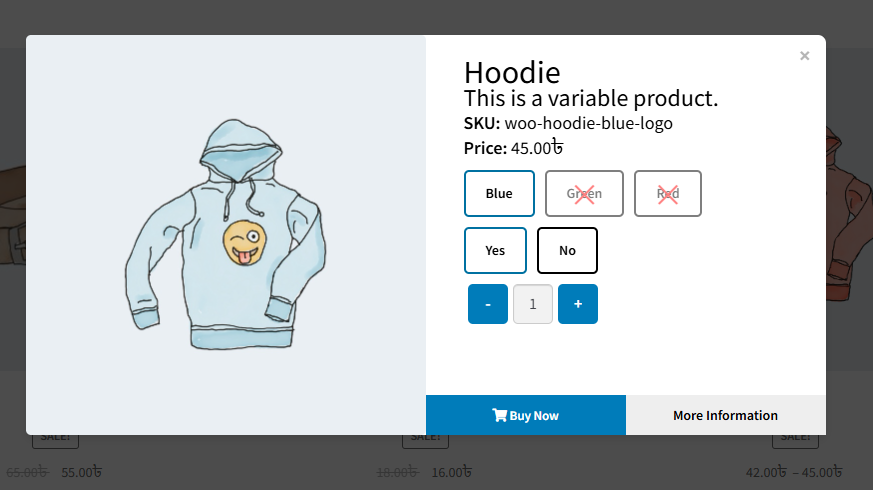
Variation Monster offers you to enable this setting to activate the Quick View feature, allowing customers to view product details in a pop-up without leaving the current page.
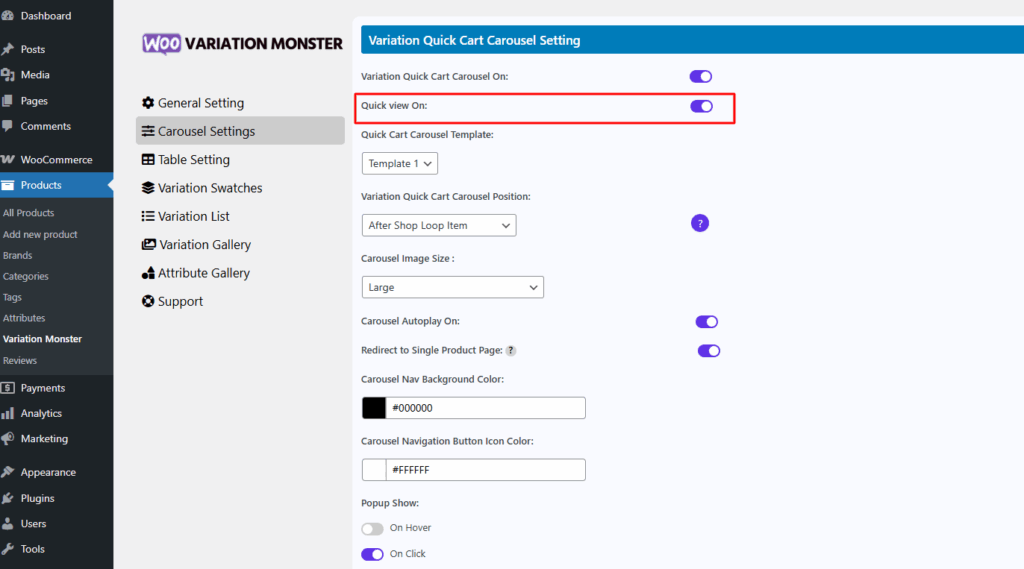
After enabling this setting, show a quick view button beside the select options button fro variation products
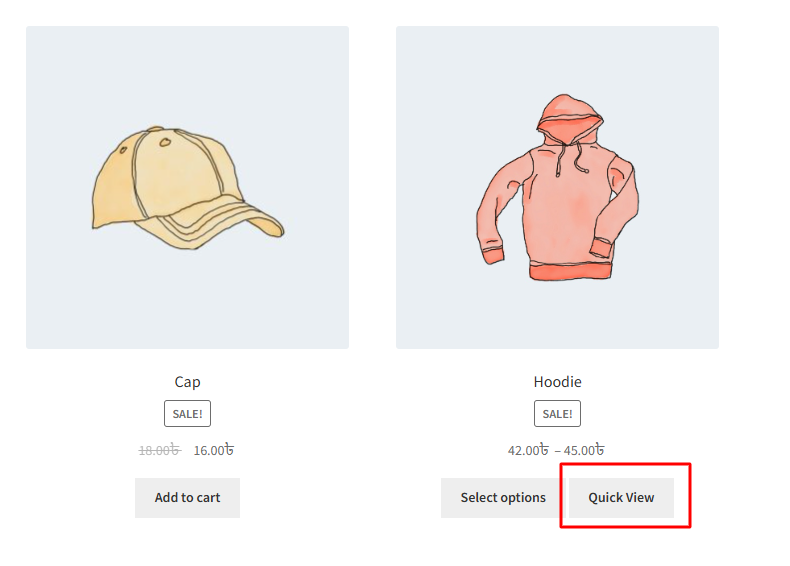
When the Quick View button is clicked, a pop-up appears displaying the full product details. Inside this popup, customers can view all available variations, along with variation gallery images and attribute-based gallery images. They can select a variation and add the product to the cart without leaving the current page. The pop-up also includes key product information such as the short description, SKU, and pricing details, offering a seamless and efficient shopping experience.